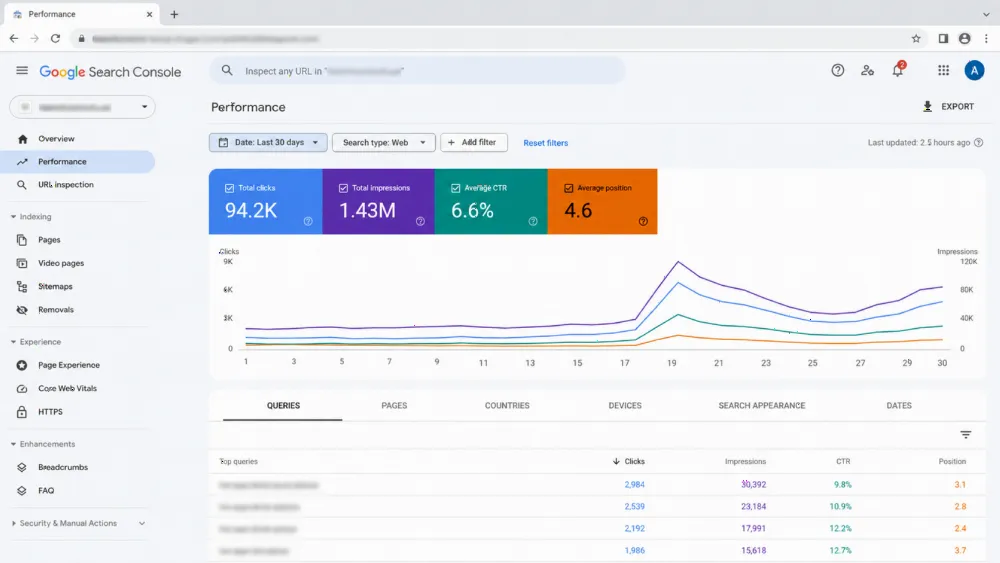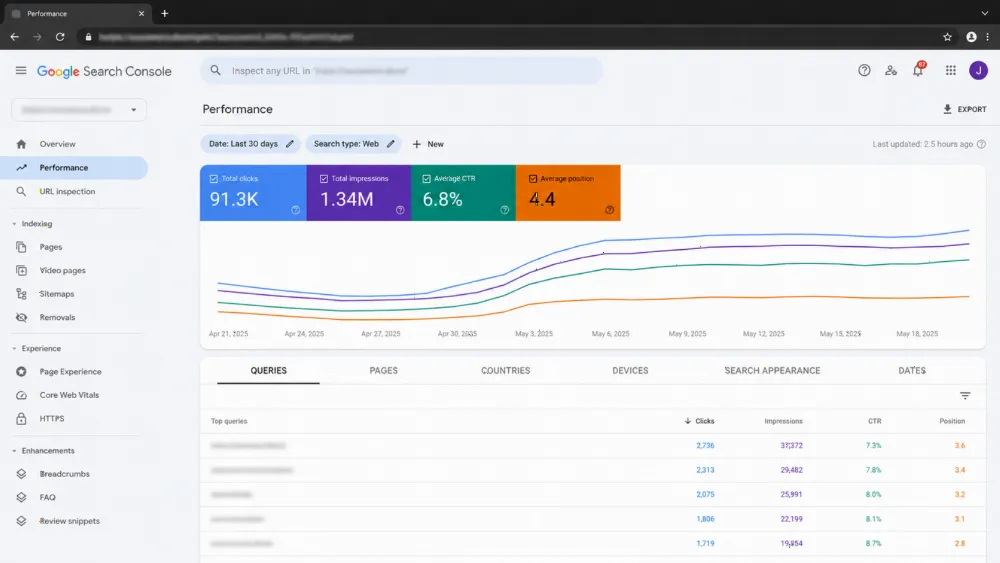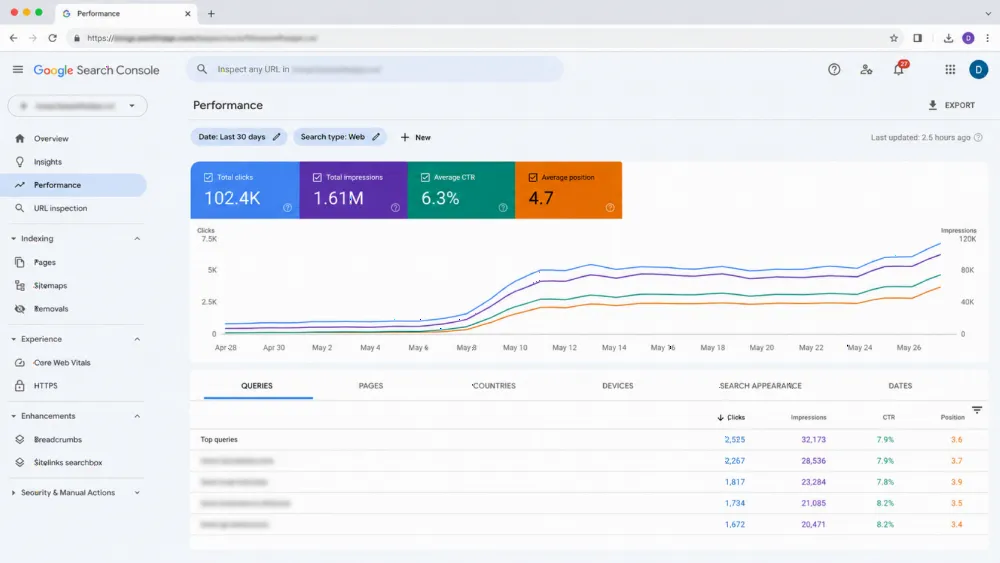
Passing Core Web Vitals in 2026 means hitting LCP under 2.5 seconds, INP under 200 milliseconds, and CLS under 0.1 (Google web.dev) on real Chrome users — CrUX field data, not Lighthouse lab scores. This is the exact pre-launch ritual we run on every WebStackRank build so new sites ship with a passing page-experience signal from day one.
Launching soon? Don't let a failing field-data score delay your rankings. Our technical SEO audit service measures your real CrUX numbers and delivers a prioritized fix plan.
What does Google actually measure in 2026?
Three metrics, all scored from 28-day rolling field data collected by the Chrome User Experience Report (Google PageSpeed Insights documentation) (CrUX):
- LCP (Largest Contentful Paint) — when the biggest above-the-fold element finishes painting. Passing means under 2.5 seconds for 75% of visits (Google web.dev).
- INP (Interaction to Next Paint) — worst-case delay between a tap, click, or keypress and the next visual update. INP replaced First Input Delay in March 2024 (Google web.dev). Passing means under 200 ms for 75% of visits.
- CLS (Cumulative Layout Shift) — how much the layout jumps around during the session. Passing means a score under 0.1.
Pass all three and your pages earn the page-experience signal — a genuine tiebreaker ranking factor when content quality is comparable, and a prerequisite for certain rich-result formats. Fail them, and you're handing an edge to every competitor who passes.
The scale of the problem is bigger than most teams think. The HTTP Archive Web Almanac 2025, built on CrUX data from July 2025, found that only 48% of mobile sites and 56% of desktop sites pass all three Core Web Vitals (HTTP Archive) — over half the web is failing. Google ranks with mobile-first indexing, and mobile is precisely where sites fail most.
For a deeper technical breakdown of each metric, see our Core Web Vitals, crawl budget and indexing guide, and for the full audit workflow these checks sit inside, our 2026 technical SEO playbook for US websites.
How do you fix LCP before launch?
LCP is the loading-speed metric, and it's the bottleneck: only 62% of mobile origins record a good LCP (HTTP Archive) according to CrUX, making it the hardest metric to pass on phones. For most marketing sites, the LCP element is the hero image; for the rest, it's the headline-plus-intro block. Work through these steps in order:
1. Identify the actual LCP element. Record a cold-cache mobile load in Chrome DevTools → Performance with the Web Vitals track on. The orange diamond marks your real LCP element. Fix that specific element — generic "optimize all images" work wastes hours on assets that never touch the score.
2. Preload the hero image and flag it high priority. If the LCP element is an image, preload it with fetchpriority="high" and serve responsive variants via imagesrcset/imagesizes so phones never download the 1440px desktop file.
3. Serve the right format at the right size. WebP at quality 75–80 is the sweet spot for hero photography; PNG only when you genuinely need transparency. AVIF shaves another 20–30% but encoding is slow, so it's only worth it when a build pipeline pre-generates variants.
4. Stop fonts from blocking first paint. Self-host critical fonts or set font-display: swap on Google Fonts, and preload just the woff2 weight your hero uses. One font weight, preloaded, beats a five-weight variable font that blocks text.
5. Inline critical CSS. The 5–10 KB of above-the-fold CSS goes in a <style> block in the head; everything else loads asynchronously via the media="print" onload="this.media='all'" trick. On Bootstrap-era builds this single change is frequently the biggest LCP win.
6. Get server response under 600 ms. TTFB counts toward LCP — a 1.2-second render burns half the budget before the browser draws anything. Cache HTML at the edge (Cloudflare's free tier works), use private, max-age=60, stale-while-revalidate=300, and kill N+1 query loops in the page controller.
A common LCP killer: render-blocking third parties. The Web Almanac reports that 67.7% of websites request at least one render-blocking third party (Web Performance Calendar Paul Calvano, HTTP Archive data) — every analytics pixel and widget in the head delays first paint. This is also why performance needs to be baked into the build, not bolted on — exactly what our SEO-friendly web development service does by default. For an outside-in check, our technical SEO audit maps every LCP contributor to a fix, and our 2026 technical SEO playbook sequences those fixes for US sites.
Why does INP fail most "fast" sites?
INP is the interaction metric, and it's where deceptively quick sites collapse. Because it measures the worst interaction across the whole visit — not the average — one janky click during a five-minute session poisons the score. CrUX data shows 97% of desktop pages have good INP but only 77% of mobile pages do (HTTP Archive), so phones are again where it breaks. Audit every handler that fires on first interaction:
- Marketing tag JavaScript. GTM, Hotjar, and Intercom scripts that fire on first scroll or click are the most common offenders on business sites.
- Framework hydration. A Next.js or React bundle hydrating on a content page that barely needs JavaScript adds main-thread work exactly when the user first taps.
- Synchronous long work. A click handler that re-renders 200 filter cards in one blocking chunk, or a chat widget registering dozens of global listeners.
Fixes that actually move INP:
- Defer everything non-critical to first interaction. Tags, analytics, chat widgets, and "back to top" handlers go into deferred scripts or behind
requestIdleCallback. The score is measured from the user's perspective — nobody notices Hotjar loading a second later. - Break long tasks. Any synchronous chunk over 50 ms on the main thread is a Long Task (Google web.dev), and Long Tasks during interactions are INP poison. Use
scheduler.yield()orsetTimeout(0)between batches, and debounce filter inputs. - Cache layout reads. Reading
offsetWidthinside a write loop forces reflows (layout thrash). Read once, outside the loop. - Test on a real mid-range Android. Lighthouse applies a 4× CPU slowdown to your dev machine (Google Chrome / Lighthouse GitHub), but a real Samsung A-series phone in 2026 is roughly 3–5× slower than a MacBook Pro. The lab number flatters you; real thumbs on real glass don't. Our Core Web Vitals and crawl-budget guide goes deeper on diagnosing INP with field data, and builds that are SEO-friendly from day one rarely hit these problems because third-party weight is budgeted at design time.
How do you eliminate layout shift (CLS)?
CLS is a stability metric — it rewards pages that don't move after they paint. CrUX shows 81% of mobile pages and 72% of desktop pages now hit good CLS (HTTP Archive), making it the most-passed metric — which also means the remaining failures come from a small set of known patterns:
1. Images and iframes without width and height. Even with aspect-ratio in CSS, the browser can't reserve space until the CSS parses. Set both attributes on every <img> and <iframe>, decorative ones included. This 30-second fix routinely takes CLS from 0.18 to 0.04.
2. Web fonts with mismatched metrics. When the fallback font's x-height differs from the web font, every text block reflows on font load. Use size-adjust, ascent-override, and descent-override inside @font-face to match the metrics — or set font-display: optional for non-critical text and accept the fallback.
3. Elements injected after first paint. Cookie banners, subscribe floaters, and promo popups that appear below existing content shove everything down. Either reserve space with a min-height container before injection or render them as position: fixed overlays that never enter layout flow.
One regional trap we see on multilingual builds: third-party Arabic font weights that load late on RTL pages. If your hero sets Tajawal without preloading the Arabic weight, you take a CLS hit that only appears on Arabic visits — invisible in Lighthouse runs configured with Accept-Language: en. Check CLS per locale, not just per page. Stability problems usually travel with broader template issues — our technical SEO audit catches them together, and the 2026 technical SEO playbook shows where CLS fixes sit in the full launch sequence.
How do you close the lab-vs-field gap?
Lighthouse is a controlled lab; CrUX is your users' actual devices. The gap is typically 1.5–2× — a 1.8s Lighthouse LCP is often a 3.0s field LCP. Real users have tabs eating CPU, weak Wi-Fi, cold caches, ad blockers injecting scripts, and notifications firing mid-load. Two habits close the gap:
- Use PageSpeed Insights' Origin Summary as your north star. It shows the 28-day CrUX field data for your whole origin — that's the score Google ranks you on. Use Lighthouse only to debug individual pages.
- Ship Real User Monitoring before launch. The open-source
web-vitalsnpm package (~3 KB) sends LCP, INP, and CLS to your analytics endpoint or GA4, filtered by country, device, and connection. We've measured 20–30% worse LCP for visitors far from the origin server — usually fixed with a global CDN or a regional origin.
The business case for doing this work is blunt. A Shopify analysis published in April 2026 found conversion rates roughly 3.5% lower for every additional 100 milliseconds of LCP (Shopify) across its merchant base, with stores at 2.5s converting about 30% below stores at 1.5s. Portent and Deloitte speed studies reach a similar conclusion: each additional second beyond two seconds of load can shave roughly 7% off conversions. Performance is a revenue metric, not a vanity score.
For the broader audit context these fixes live in, work through our Core Web Vitals, crawl budget and indexing guide and the 2026 technical SEO playbook.
What does our pre-launch ritual look like?
Run this on every handover and you'll prevent the vast majority of regressions:
- Lighthouse mobile audit on three pages — home, one service page, one blog post. Gate: Performance ≥ 90, Accessibility ≥ 95.
- PageSpeed Insights field-data check on the staging URL once you've had ~50 real visits (your team plus a few friendly clients is enough to seed it).
- Manual interaction trace on the slowest page with DevTools' Performance panel — flag any task over 200 ms on first interaction.
- Scroll test on a real phone. Scroll slowly through every page and watch for visible jumps. Machines miss what thumbs catch.
- Web-vitals RUM live before launch, so field data is flowing the day search engines start crawling.
If you skip this ritual, you're launching blind and discovering failures 28 days later in CrUX. We run it inside every technical SEO audit; clients on no-retainer SEO get it re-run quarterly as regressions creep in.
Launching this week? The five highest-leverage fixes
If a launch is days away and CrUX is red, do these five in order — they flip most business sites from "Needs Improvement" to "Good":
- Add
width+heightto every image — kills most CLS in about 10 minutes. - Preload the hero image with
fetchpriority="high"— typically saves 200–600 ms of LCP. - Inline the critical CSS for the above-the-fold block — saves another 300–500 ms.
- Defer marketing tags and chat widgets — usually rescues INP single-handedly.
- Remove one render-blocking third-party script you don't strictly need.
That done well is roughly 80% of what most sites need. For the rest, our technical SEO audit service digs into the long tail — and builds built SEO-first from day one mean you never need the fire drill again.
Frequently asked questions
Does the Lighthouse score itself still matter for ranking?
For ranking, no — only CrUX field data feeds Google's page-experience signal. Lighthouse remains valuable as a debugging tool and as a launch quality gate: we hold mobile Performance ≥ 90 as a contractual baseline with clients precisely because lab failures almost always become field failures.
Why is INP harder to pass than the old FID metric?
First Input Delay measured only the first interaction; INP measures the worst interaction across the entire visit. Sites that barely passed FID frequently fail INP, especially pages carrying heavy third-party JavaScript that only gets exercised on later taps and scrolls.
How long does CrUX take to reflect a fix?
The rolling window fully refreshes in about 28 days. In practice, PageSpeed Insights starts showing improved field data within 7–10 days if traffic is steady — heavy-traffic origins refresh faster because the window fills with post-fix visits sooner.
Do Core Web Vitals directly affect SEO rankings?
Modestly. The page-experience signal is a tiebreaker for content-comparable pages, and Google has stated it only moves rankings when other quality signals are close. The bigger lever is conversion: slow pages lose buyers long before they lose rankings, which is why we treat CWV as a revenue metric.
Can a WordPress site pass Core Web Vitals?
Yes, but it takes discipline: a lean theme, WebP images, deferred scripts, and edge caching. The failure pattern we see is plugin sprawl — each plugin adds render-blocking CSS/JS. Audit quarterly and keep the plugin count minimal on pages that must convert.
Should I test on desktop or mobile?
Mobile, always. Google uses mobile-first indexing, and CrUX shows mobile is where sites fail most: 48% pass all three on mobile versus 56% on desktop (HTTP Archive), with LCP the biggest gap. A site that passes on desktop but fails on mobile fails where it counts. For the metric-by-metric breakdown, see our Core Web Vitals, crawl budget and indexing guide.
What's the single biggest Core Web Vitals win for most sites?
Preloading the LCP image and inlining critical CSS together. Those two changes attack the two largest LCP contributors — the hero element itself and render-blocking styles — and routinely recover half a second or more on mobile field data.
Need a second pair of eyes before launch? Paste your URL into PageSpeed Insights and check the field-data tab. If it's red — or if you want the fixes done for you — talk to our team about a fixed-scope Core Web Vitals sprint.