Spam pages you never wrote, visitors redirected elsewhere, an admin user you do not recognise, or a Google warning: treat it as a compromise and work in order. Contain first, preserve a copy before cleaning, then decide restore or clean, remove the infection from clean sources, rotate every credential, then ask Google to lift the warnings. The shortcuts — cleaning before containing, restoring an infected backup, changing one password — turn a recoverable incident into a reinfection cycle.
The short answer: the recovery order, in one list
One, confirm the signs below point to compromise, not breakage. Two, take the site offline (or maintenance mode) and save a full copy, labelled infected. Three, decide: restore a backup proven to predate the infection, or clean in place. Four, find the infection across files, uploads, database, users and tasks. Five, replace code from clean sources; delete what you do not recognise. Six, change every password, regenerate the salts, close the entry point. Seven, request a Search Console review. If customer or order data may be exposed, skip to the escalation section.
First, confirm it is a hack — the signs that separate compromise from a broken site
A broken plugin can produce errors, but not create content or accounts. Treat the site as hacked if you see pages about products you do not sell, in content or Google results; visitors redirected to unrelated sites, sometimes only from search; administrator users you did not create, or your admin email changed; security tools disabled without your knowledge; or a "this site may be hacked" warning in Search Console or the browser.
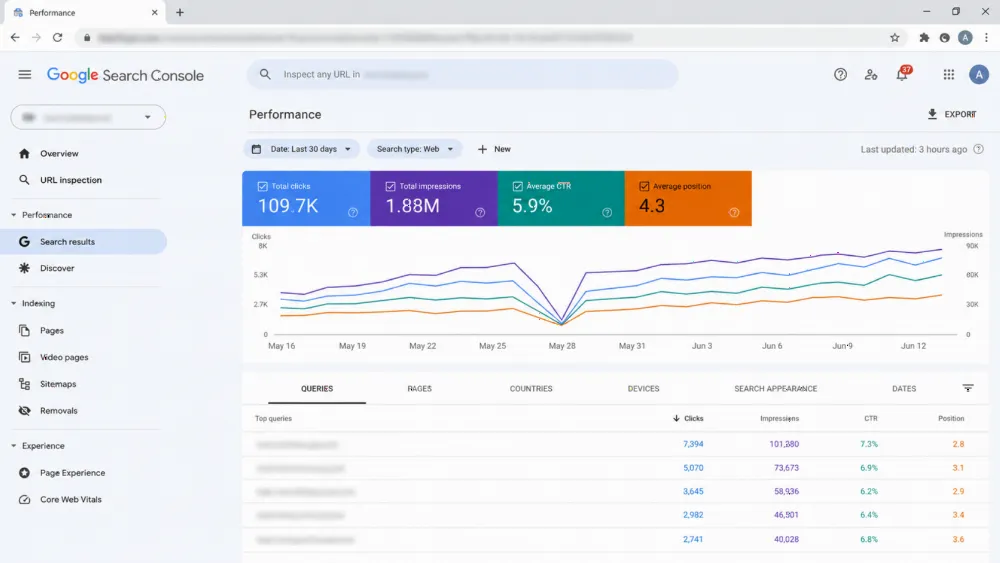
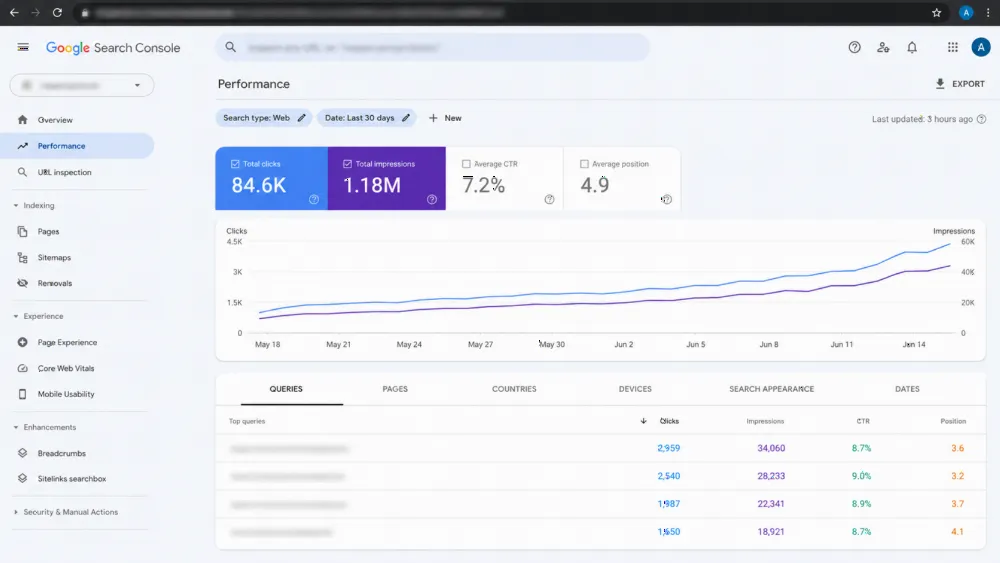
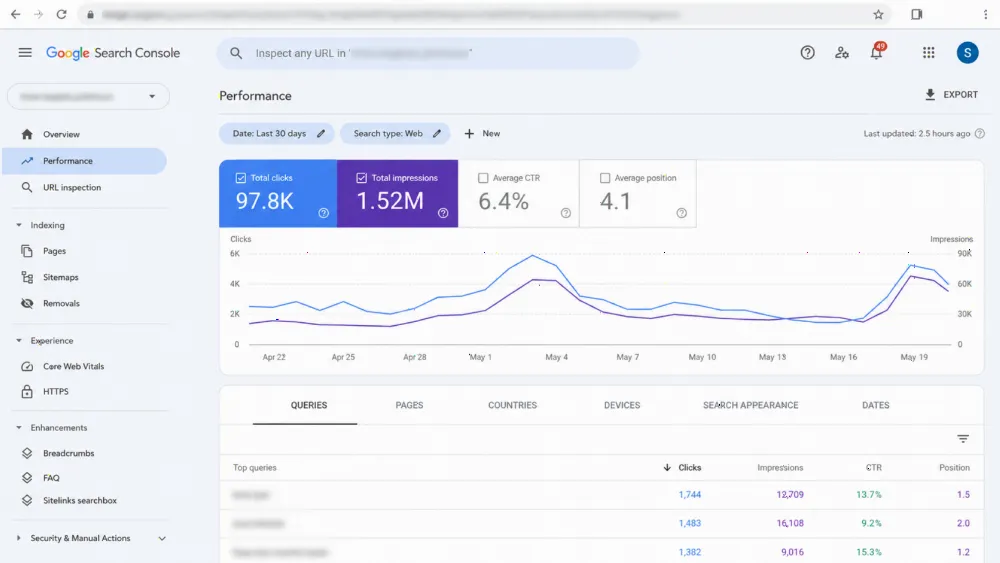
A browser "not secure" warning alone is a certificate fault, not compromise; our guide to HTTPS problems and expired certificates covers that class. Check Search Console's Security Issues report and search your domain, because some infections show only to search engines and first-time visitors, never to the owner.

The first hour: contain it and preserve a copy before you clean anything
Do not start deleting files. Put the site into maintenance mode, or ask your host to restrict access, so it stops serving malware; a paused site beats one infecting customers. If the host has suspended the account, work through the host.
Next, copy the site exactly as it stands — files and database — labelled as the infected copy. That preserves evidence of the entry point, and a fallback if cleanup breaks something. Save any host logs and note symptoms precisely, with times. WordPress.org's official "FAQ My site was hacked" guidance follows the same discipline.
Restore from backup or clean it? The decision that decides everything else
Restoring is faster, but only when you know when the infection began and hold an earlier backup covering files and database. Infections often sit dormant, so last week's backup may already contain the recreating file. If you restore, still run the finding steps below, and close the entry point before going live.
Clean in place when no provably clean backup exists, or restoring would lose recent orders or content. It is slower and easier to get wrong, because persistence hides in database and tasks as well as files. Rebuild when compromise is severe, repeated, or files cannot be trusted. Long-term backup arrangements belong to a proper website backup and disaster recovery plan; this article only uses backups you already have.
| Route | Choose it when | Main risk |
|---|---|---|
| Restore a clean backup | Infection start is known and a pre-infection backup exists | The backup already contains the infection |
| Clean in place | No clean backup, or recent orders and content would be lost | A hidden backdoor or database entry survives |
| Rebuild | Severe or repeated compromise, file set cannot be trusted | Slowest route; content must be migrated carefully |
Finding the infection: files, uploads, database, users and scheduled tasks
Work through five places, because malware survives in whichever you skip. Files: compare core, themes and plugins against clean WordPress.org repository versions — a file-comparison scan in the Wordfence class does this systematically, and WordPress.org guidance is to replace suspect core files, not edit them. Uploads: that folder should hold media, not PHP; any PHP there is suspicious. Database: look for injected spam and links in posts, suspicious options-table entries including changed site addresses, and scripts where text belongs.
Users: list every account, especially administrators, noting unknown ones with emails and dates. Scheduled tasks: review WordPress and hosting cron for actions you did not set up; a recurring task can recreate deleted files overnight. Keep a written list of everything found: your removal checklist and evidence of a complete cleanup.

Removing it: replace code from clean sources, delete what you do not recognise
Replace, do not patch. Download fresh core, theme and plugins from WordPress.org or the vendor; replace the installed code. Delete unused plugins and themes, including inactive ones, and remove any extension from an unofficial source; pirated "nulled" extensions are a classic entry point. Delete suspicious PHP in uploads and any file you cannot account for.
In the database, remove injected content and options entries on your checklist, delete rogue accounts and unknown tasks. Then rescan and repeat the finding pass: one surviving "dropper" file can rebuild the infection. If new malicious files appear, stop — the persistence is beyond an owner-level cleanup.
Lock the attacker out: every password, the salts, and the entry point they used
Assume every credential the attacker touched is known to them. Change them all: every administrator account, the hosting panel, SFTP and FTP, the database password, the email used for resets, and API keys stored in plugins. WordPress.org's hacked-site FAQ makes the point twice: change passwords when you find the hack, and again once the site is clean.
Regenerate the WordPress salts in the site configuration, invalidating every session, including the attacker's. Then close the entry point: update the exploited plugin or theme, remove the vulnerable or nulled extension, and remove extra access the attacker added, such as an unknown Search Console owner. This step is short; the full preventive routine is our WordPress security hardening checklist. A current website handover and ownership checklist tells you who holds each account.

Getting the warnings lifted: Search Console review and cleaning up spam results
Request a review only once cleanup passes a second scan; Google re-checks, and a failed review restarts the wait. In Search Console's Security Issues report, confirm each issue is fixed and describe what was found, removed and verified, per Google Search Central's hacked-sites guidance.
Attacker spam pages drop out as Google reprocesses them; remove the worst URLs in Search Console where allowed, and resubmit your sitemap. Expect the warning to lift on Google's timetable; keep monitoring Security Issues for several weeks.
If customer or order data may be exposed: stop and escalate
If the site holds customer enquiries, accounts or orders and attacker access cannot be ruled out, stop and escalate to a specialist and legal advice. Under the UAE Personal Data Protection Law, Federal Decree-Law No. 45/2021, Article 9 provides that where a breach would prejudice the privacy, confidentiality and security of a data subject's personal data, the controller must notify the UAE Data Office immediately upon becoming aware of it, with the investigation findings, and must also communicate the breach to the affected data subject; detailed time limits and procedures are set by the law's Executive Regulations. A processor who discovers a breach must notify the controller. That duty has its own process: do not improvise notifications or delay assessment for cosmetic fixes.
The same stop line applies if payment pages were touched, the host suspended the account, the infection returns after cleanup, or several sites on the account show symptoms. Preserve the infected copy and notes for whoever takes over.
Common mistakes that bring the hack back
Four mistakes explain most reinfections. Cleaning before containing, so the attacker stays active while you work. Restoring a backup without proving it predates the infection. Changing only the WordPress password while hosting and database credentials stay compromised. Requesting Google's review before the site is verifiably clean, or never closing the entry point. Whether WordPress still fits you is separate, covered in our WordPress vs Webflow vs custom builds comparison, and can wait.
FAQ
What should I do in the first hour after finding my WordPress site hacked?
Contain it and preserve evidence. Put the site into maintenance mode or ask your host to restrict access, save a complete copy of the infected files and database labelled infected, and note symptoms, times and logs. Do not delete files or restore a backup until that copy exists.
Is it safer to restore a backup or clean the malware?
Restoring is safer only when you know when the infection began and hold an earlier backup covering files and database. Infections can sit dormant, so a recent backup may already contain the hack. If none can be proven clean, clean in place and rescan, or rebuild if severe.
Which passwords do I need to change after a WordPress hack?
All of them: every administrator account, the hosting panel, SFTP and FTP, the database password, the email used for resets, and API keys in plugins. Also regenerate the WordPress salts to invalidate existing sessions, and change passwords again once the site is verified clean.
How do I get the Google "this site may be hacked" warning removed?
Clean fully, verify with a second scan, then open Search Console's Security Issues report, mark the issues fixed and request a review describing what was found, removed and verified. The warning lifts after Google's review passes, on Google's timetable.
Why was my WordPress site hacked again after cleaning?
Usually because something survived or the entry point stayed open: a backdoor in uploads, a rogue user or scheduled task, a database entry, unchanged hosting passwords, or the same outdated or nulled plugin. Repeat the finding pass across files, uploads, database, users and tasks, and close the entry point.
Need the cleanup taken off your hands? (CTA)
If the infection persists, your host has suspended the account, or customer data may be exposed, this needs a specialist. See WebStackRank as a website development company in Dubai, our web development services across the UAE and our pricing. Send the symptoms, when you saw them and the infected copy preserved, and ask for an itemised proposal within 24 business hours. WhatsApp +971 52 595 3174 or hello@webstackrank.com.