Leaving Salla or Zid for a store you own is not a copy-and-paste job. Your products will export; your rankings, customer passwords, payment setup and ZATCA e-invoicing will not follow automatically — each has to be carried across deliberately, or rebuilt before you switch. This runbook sets out the order that protects both: inventory first, data mapping second, the redirect map before launch, payments and invoicing rebuilt and tested, then a quiet cutover and two weeks of verification.
The short answer: what moves, what does not, and the order that protects both
Three things move as data: your catalogue, customer records and order history can all be exported from Salla or Zid in file form — Salla's own Merchant API documentation, for example, covers exporting orders in Excel or CSV format. Three things never move as data: customer passwords, which are encrypted and cannot transfer between platforms; your payment-gateway setup, a contract and configuration on the old platform, not a file; and your ZATCA e-invoicing integration, which belongs to the system issuing the invoices and must be established again for the new store.
Your URLs sit in between: the addresses do not transfer — the new platform generates its own — so their search value moves only if a redirect map sends every old address to its equivalent new one. The safe order is: inventory everything, build the new store, map and test the data, write the redirect map, rebuild payments and invoicing, run both stores in parallel, cut over in a quiet window, then verify for fourteen days.
Before you export anything: the inventory of what your store actually holds
A migration fails at the edges, so list everything before touching an export button. Start with the catalogue: products, variants, categories, images and Arabic and English descriptions. Add customer records, order history, discount codes, gift-card balances and loyalty data. Then list the non-product content: category pages, blog posts, landing and policy pages, each with its current URL, in both languages.
Finish with the machinery: every connected app, the payment gateways, the ZATCA arrangement, shipping providers, analytics and Search Console properties, and the domain and DNS records. Note which the platform owns and which you own — a domain in your own account moves with you; a platform subdomain does not. This inventory is the checklist the migration is judged against.

Products and variants: mapping Salla/Zid exports to your new store's importer
Export the catalogue using the platform's own export tools, then clean it before any import: remove duplicate SKUs, fill missing names and prices, and make sure every product image is a web-accessible link, because destination importers fetch images from URLs. Variants are where mapping gets delicate: on Shopify, each variant sits on its own row under one product handle, while WooCommerce's own documentation describes a built-in CSV importer for products, in which variable products are built from parent and variation rows — so reshape the file to the destination's format.
Work in the destination importer's own template, map one column at a time, and never import the full catalogue first: import a small test batch, check prices, stock, images and Arabic text on the staging store, then run the full file. Still choosing the destination? Our Shopify vs WooCommerce comparison covers that decision; this article assumes it is made.
Customers and orders: what transfers, what resets, and how to tell customers
Customer profiles — names, emails, phone numbers and addresses — export and import as data. Their passwords do not. Shopify's help centre states this plainly: because passwords are encrypted outside Shopify, they cannot be migrated from another store using a CSV, and imported customers must be invited to create new passwords. Plan the reset as a communication moment, not a technical footnote: warn customers before the move and send the activation invitation from the new store on launch day.
Order history needs honest handling. Shopify's documentation notes that order information cannot be imported through the customer CSV, and totals such as amount spent do not travel with the customer file — history moves through a dedicated order-import route or a migration tool, or stays behind as an archive. Decide the route before cutover: customers judge the move by whether their last order is still visible.
The SEO carry-over: URL inventory, Arabic URLs and the 301 redirect map
This section decides whether the move costs you your search traffic. Crawl the old store and record every indexed URL: products, categories, content pages, in Arabic and English. Arabic URLs are often percent-encoded in crawl output, so match them carefully to their page rather than discarding them as duplicates. Then build the map: one row per old URL, one destination beside it — never bulk-redirecting everything to the homepage.
Google Search Central's site-move documentation is the discipline to follow: redirect each old URL to the new URL hosting similar content, avoid chains by pointing straight at the final address, update your internal links, and keep redirects in place as long as possible — Google says generally at least one year. If the move also changes your domain, Google's Change of Address tool applies; if only the platform and paths change, it does not. Our website redesign SEO migration checklist covers the general method in depth.

Payments rebuilt, not moved: mada, gateways and BNPL on your own store
Nothing about your payment setup copies across. The gateway relationship belongs to the old platform's configuration; on your own store you configure your chosen gateway — for example PayTabs, HyperPay, Moyasar or Tap — in the new store's own right, following that gateway's own onboarding. Allow time for merchant approval before fixing a cutover date.
Rebuild each payment method Saudi customers expect: mada, cards, Apple Pay and buy-now-pay-later services such as Tabby and Tamara. Then test like a customer: a mada payment, a declined card, a BNPL order and a refund, checking each result in the new store's orders. A checkout that has only processed a test-mode card is not ready.

ZATCA e-invoicing on the new store: re-integration and testing before cutover
E-invoicing is a property of the system issuing the invoice, not a setting you can export. The arrangement that made your Salla or Zid store compliant stays with that platform; your own store needs its own e-invoicing integration established with ZATCA, in line with ZATCA's published requirements, before it issues a single live invoice.
Sequence it before cutover: complete the integration and onboarding, run test invoices, and confirm the new store's invoices carry everything they should. Keep the old platform's invoice history accessible as your archive. A store that launches first and integrates later has a gap it cannot backfill cleanly, so treat a passed invoice test as a launch gate.
Cutover without a sales gap: parallel running, timing and the freeze window
Build the new store while the old one keeps trading. That parallel period is for building and testing; which system owns stock and orders while both run is a separate question, covered in our companion article on running Salla or Zid alongside your own store. Once the new store passes its tests, pick the cutover moment deliberately: your quietest trading window, not the edge of Ramadan, Eid or a peak, when a bad night costs the most.
In the final window, freeze changes on the old store: no new products, no price edits. Take the last delta export — products, stock, customers and orders created since the main import — apply it, switch the domain and turn the redirects on. Announce the freeze to staff in advance, so no phone order lands in the old system mid-switch.
The first 14 days: redirects, tracking, invoices and test orders verified
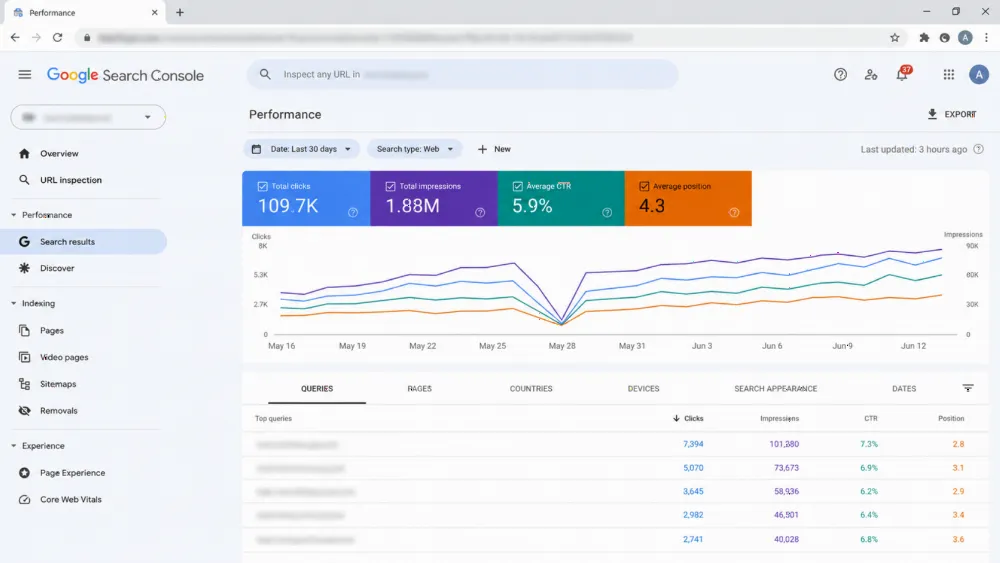
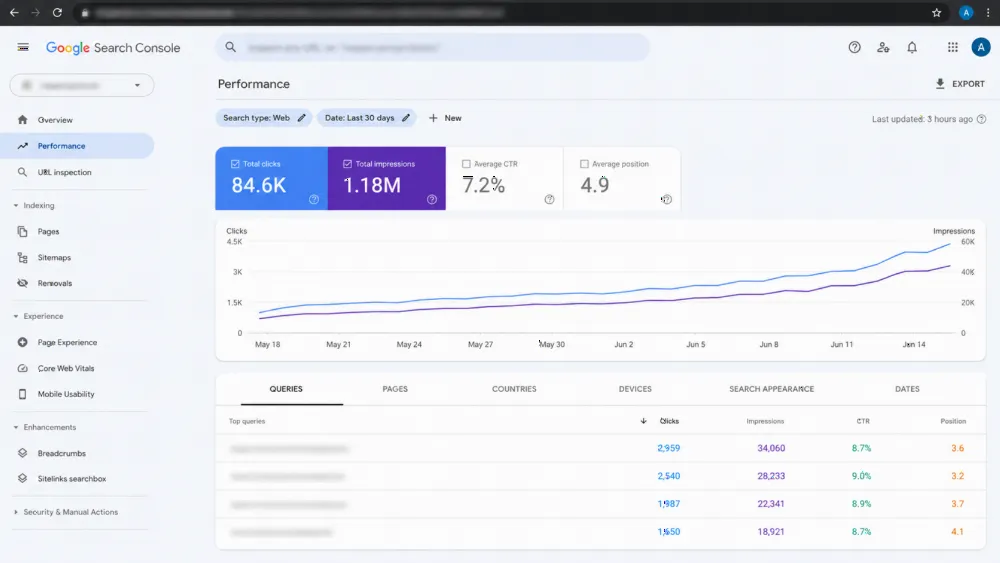
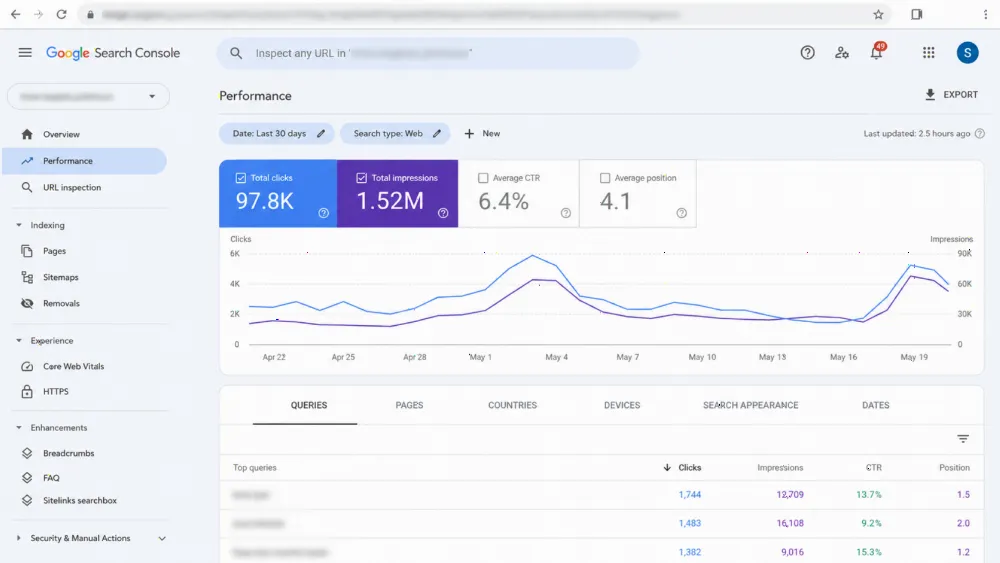
Verification is a daily habit for two weeks, not a launch-day glance. Each day, sample the redirect map: pick old URLs from every section, in both languages, and confirm each lands on the right page in one hop. Watch Search Console for rising not-found errors and fix any missed URL the same day. Confirm analytics records sessions and revenue and roughly reconciles with orders.
Place real test orders through every payment method, including a refund, and check each generates a correct e-invoice. Test the password-reset invitation, login and order-history view. Keep the old platform accessible until the fortnight ends clean — the store is only moved when two ordinary weeks have passed on it.
When the honest answer is "do not move yet"
Some stores should stay. If the platform's limits are theoretical but your real bottleneck is traffic or product range, a migration spends your next quarter on plumbing instead of growth. If your busiest season starts within weeks, move after it. If your catalogue data is messy — duplicate SKUs, missing Arabic descriptions — clean it in place first; a migration imports your mess faithfully.
And if the numbers are really driving the decision, do that analysis separately: our companion article works through the three-year cost of Salla or Zid versus your own store. Moving because you have outgrown the platform is a good reason. Moving in a hurry, without the redirect map or the invoicing test, is how a healthy store loses a season.
FAQ
Will my customers have to reset their passwords after the move?
Yes. Passwords are encrypted on the old platform and cannot be transferred. Import the customer records, then invite customers to activate their accounts and set new passwords on the new store, explained in a message sent before launch day.
Will I lose my Google rankings if I leave Salla or Zid?
Rankings are put at risk by missing or wrong redirects, not by the move itself. A complete URL inventory and a one-to-one 301 map, kept in place for at least a year as Google Search Central advises, hands the old pages' value to the new ones.
Can I keep selling while the migration is built?
Yes. The new store is built and tested in parallel while the old store keeps trading. Only the final delta of products, stock, customers and orders needs a short freeze at cutover, in your quietest trading period.
What happens to my ZATCA e-invoicing when I move?
It does not transfer. The new store needs its own e-invoicing integration established with ZATCA and tested before cutover; invoices already issued stay as the old system's archive.
Should I migrate just before Ramadan or a peak sale?
No. Cut over in a quiet period, leaving time for fourteen days of redirect, payment and invoice checks. A problem found in a quiet week is an inconvenience; in your peak week it is a lost season.
Plan the move with a team that hands you the redirect map, not just the new store (CTA)
A platform exit done well is mostly invisible: customers reset a password, and everything else — rankings, payments, invoices — keeps working. WebStackRank plans migrations as a runbook, not a relaunch: export inventory, data mapping, the full redirect map, gateway and ZATCA re-setup, and post-launch verification, as part of our ecommerce web development service. You receive an itemised proposal within 24 business hours, with migration scope separated from the build. Weighing the wider build first? See web development in Saudi Arabia, then bring us your inventory and your quietest month.