On an Arabic WordPress site, the English pages usually pass a technical audit while the Arabic pages quietly fail it: the canonical points Arabic URLs at English ones, hreflang targets redirect, the sitemap omits the Arabic set, and the Arabic font load destroys the Largest Contentful Paint the English pages achieve. A generic checklist never opens the Arabic templates, so it sees none of this. This method works in break-first order: indexation, canonical and hreflang conflicts, the plugin layer, document signals, performance, structured data, and the native-reader pass no crawler replaces.
The short answer: audit the Arabic templates, not the English site — the break-first order
Audit the Arabic output, in this order. One, indexation: are Arabic URLs in the sitemap, crawlable and indexed? Two, canonical and hreflang: does each Arabic page canonicalise to itself, with reciprocal hreflang and correct ar-SA values? Three, the translation plugin: which URL model is it generating, and has it created thin duplicates? Four, document signals: lang, dir, Arabic-written titles. Five, performance on Arabic templates, where fonts do the damage. Six, structured data and internal links, which often stay English. Check rendered HTML, not just source, and record every finding as an executable fix. Our broader technical SEO playbook covers the generic layer; this is the Arabic WordPress layer above it.
Break 1 — Indexation evidence: are the Arabic URLs in the sitemap, crawlable and indexed at all?
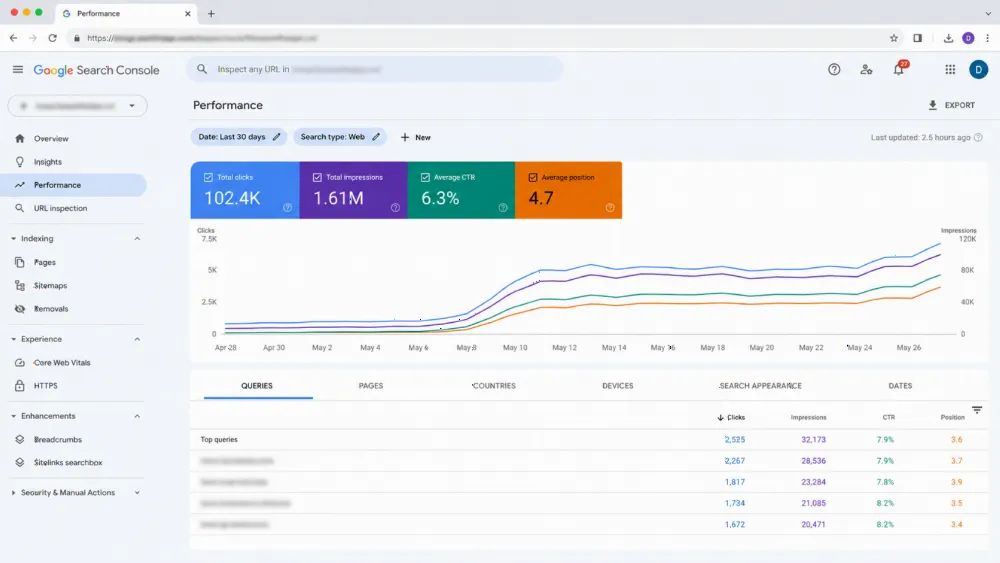
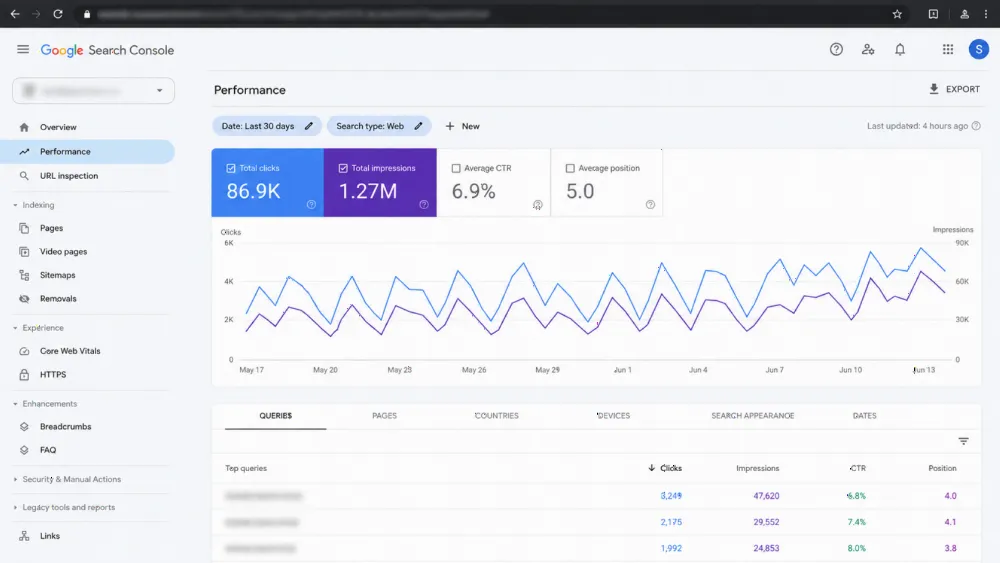
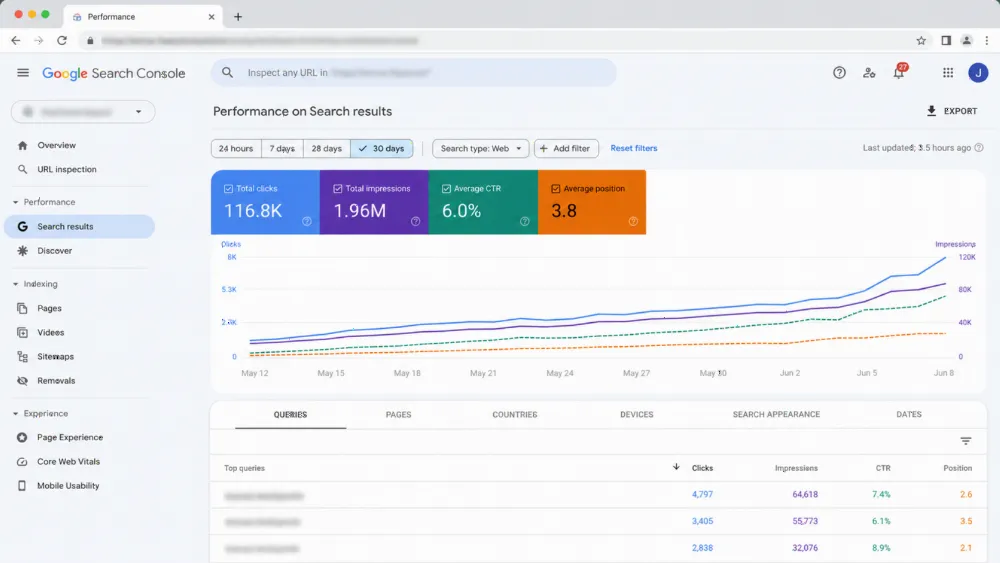
Start with evidence. List the Arabic URLs that should exist — from the admin, the plugin's language view and the switcher — then check each three ways. Is it in the XML sitemap, including any language-specific sitemap? Is it crawlable: no noindex, no robots block, no staging rule left on? And in Search Console's Page indexing report, is it indexed, or in states such as crawled — currently not indexed, or alternate page with proper canonical tag?
That last state is the tell: Google chose the English page as canonical for an Arabic URL, which sends you straight to Break 2. Record counts per template, not per anecdote. If Arabic pages recently disappeared after a content update, that is an incident, not an audit finding — our Arabic guide to pages dropped from the index after an update owns that diagnosis.

Break 2 — Canonical and hreflang conflicts: Arabic pages pointing at English, redirects and missing return tags
Google Search Central's localised-versions documentation sets the rules. Hreflang targets must be fully reciprocal — if page A lists page B, page B must list page A — and each target should be a canonical, indexable URL returning 200, not a redirect. Each Arabic page's canonical must point to itself. When the two conflict, Google may ignore the hreflang or follow the canonical — how Arabic pages vanish behind their English equivalents.
In WordPress the usual causes are one canonical template written for both languages, hreflang on some templates only, and switcher redirects turning targets into chains. Check rendered HTML across every template type. For Saudi targeting, confirm the value is ar-SA where a Saudi version exists, not a stray ar-AE from a sister site; the deep fix belongs to our Arabic hreflang mistakes guide.
Break 3 — The translation plugin layer: URL model, thin duplicates and switcher crawlability
The translation plugin decides your Arabic URL structure, so audit its settings before its output. WPML, Polylang and TranslatePress each document their own URL models officially. Check which model your site uses, whether it matches the sitemap and hreflang actually emitted, and whether an SEO plugin is also writing hreflang.
Then audit what the model generated: thin auto-translated duplicates, untranslated pages under Arabic URLs, indexed attachment URLs, paginated duplicates. Check the switcher itself — plain crawlable links to the equivalent page, not JavaScript-only, not cookie-only, never an automatic redirect by browser language, which sends Googlebot and Saudi visitors on English phones to the wrong version.
Break 4 — Document signals: lang, dir and titles that tell Google the page is not really Arabic
Read an Arabic page's document signals as a browser would. The html element should declare lang="ar" (or ar-SA where appropriate) and dir="rtl"; a theme hard-coding lang="en" mislabels every Arabic page. Google states it does not use lang or hreflang to detect a page's language — it reads the content — so signals and content must agree.
Check titles and meta descriptions: written in Arabic for the page's own intent, not the English title run through string translation, and not truncated mid-word by an LTR template. Check headings, breadcrumbs and pagination render right to left, with mixed-direction text in the correct order. Our Arabic RTL website checklist is the build standard here; our guide to SEO for bilingual Arabic and English websites covers the content strategy.
Break 5 — Arabic performance: font weight, subsetting and the LCP your English pages do not have
Measure Arabic templates separately; an English pass proves nothing about them. The usual culprit is the Arabic web font: several weights, no subsetting, loaded in full on every page. Against web.dev's Core Web Vitals thresholds — LCP at or below 2.5 seconds, INP at or below 200 milliseconds, CLS at or below 0.1, at the 75th percentile — a heavy Arabic font stack can fail LCP and CLS on mid-range phones alone.
Audit what loads: how many font files and weights, WOFF2 or an older format, subset to the Arabic range or the full set, self-hosted or from a slow third party, font-display set so text stays readable while loading. Check RTL stylesheets loaded site-wide instead of only on Arabic pages. Record lab results per template, and field data separately for Arabic URLs.

Break 6 — Structured data and internal links that stay in English on Arabic pages
Check structured data on Arabic pages: inLanguage set to Arabic where schema.org provides for it, Arabic names and descriptions rather than copied English strings, and URLs matching the Arabic page itself. A schema plugin configured once for English often stamps English values onto every Arabic URL.
Then follow internal links. On Arabic pages, body links, related blocks, breadcrumbs and footer links should stay inside the Arabic set, with Arabic anchor text. Menus linking Arabic readers into English pages bleed authority from the Arabic cluster. Finish with a sitemap cross-check: declared alternates should match the HTML hreflang.
The native-reader pass: the five-minute check no crawler replaces
End with a human. Give a native Arabic reader five key templates — homepage, a service page, a category, a post and a form — on a phone, and ask only about correctness: does the text read as written Arabic or translated English? Do numbers and prices sit in the right order? Is anything truncated, mirrored wrongly, or left in English?
Readers catch in minutes what crawlers score as valid: scrambled mixed-direction lines, arrows pointing the wrong way, a form label that makes no sense. Record these as findings with screenshots. A page can pass every machine check and still fail the reader — and the reader is who the page is for.

From findings to fixes: writing the audit output a developer can execute
An audit that ends in adjectives changes nothing. Write each finding as a fix: the affected template or setting, the evidence (URL, Search Console state, rendered HTML values), the required end state against the official rule it breaks, and a break-first priority. Group plugin-setting fixes separately from theme-code fixes; different owners, different risks.
Close with a re-check list: re-crawl the Arabic set, re-inspect sample URLs in Search Console, and confirm sitemap, canonical and hreflang agreement before declaring the layer fixed. A scoped technical SEO audit runs the same order for you.
Common mistakes: auditing with an English checklist, and three more
First, auditing the English site and assuming the Arabic half inherits the result; on WordPress it inherits the templates, not the fixes. Second, checking source HTML only, when the rendered page — after plugin, cache and CDN have acted — is what Google indexes.
Third, treating hreflang as decoration: tags added without checking reciprocity, canonical agreement and redirect status, the faults that make Google ignore them. Fourth, fixing in the wrong order — polishing Arabic titles while Arabic pages canonicalise to English. Break-first order exists because the early breaks invalidate the later work.
FAQ
Why do my Arabic pages rank worse than the English ones?
Usually because the audit layer was never built for them: Arabic URLs canonicalise to English, hreflang is missing, non-reciprocal or aimed at redirects, the sitemap omits them, or the content is a thin plugin translation. Work the break-first order before blaming the Arabic content itself.
Should every Arabic page use hreflang ar-SA or just ar?
Use ar-SA where the page is a Saudi-specific version, and plain ar only for one generic Arabic version serving all Arabic speakers. Consistency matters most: one Arabic URL must not be tagged for two countries, and every tag must be reciprocal, pointing to a canonical, non-redirecting URL.
Which translation plugin is best for Arabic SEO?
There is no universal winner. WPML, Polylang and TranslatePress document different URL models and hreflang behaviour officially, and any of them can be configured well or badly. Audit the configuration you have before migrating to another plugin with the same settings faults.
How do I check whether Arabic pages are in the sitemap and indexed?
Open the XML sitemap, including any language sitemap, and search it for the Arabic URLs. Then in Search Console, open the Page indexing report filtered to Arabic URLs and inspect a sample: indexed, crawled — currently not indexed, and alternate page with proper canonical tag each point to a different break.
Does dir="rtl" affect rankings directly?
No. Google's documentation says it does not use hreflang or lang to detect language, and dir is a presentation attribute, not a ranking signal. It still belongs in the audit: without it Arabic pages render broken for native readers, undoing what the technical fixes gain.
Get the audit run on your Arabic site — templates, plugins and all (CTA)
If your Arabic pages underperform and nobody has audited the Arabic templates themselves, have the audit run in break-first order. Send us your site and your translation plugin, and we will scope the checks for the Arabic set specifically. Start with our SEO services for Saudi Arabia.