When visitors can no longer browse to what you sell — categories three levels deep, thousands of items — on-site search becomes the main route. This guide gives the method: a scale test, what to index, ranking, synonyms, the zero-results page, bilingual behaviour, and build-versus-buy.
The short answer: do you need real search yet? (the scale test)
You need real search — a dedicated index, relevance tuning and analytics — when three signals appear together. First, scale: thousands of items, or a catalogue changing faster than menus allow. Second, behaviour: visitors already rely on search, or analytics show failed browsing. Third, failure: your current search returns irrelevant or zero results for terms you stock, especially misspellings, synonyms and product codes.
If only one signal is present, fix the cheaper layer first: a small catalogue usually needs better categories, not an engine. If all three are present, the rest of this guide is your sequence. Search sits on sound navigation, as our companion guide to website navigation for service businesses sets out.
The problem: a catalogue that outgrew its menus
Menus scale by hierarchy, and hierarchy has a ceiling. Each new product line adds a branch, making the others harder to scan. Stock ends up classified by how your business is organised — supplier, department, internal range name — not by visitor words, so a visitor who knows what they want must guess the branch.
Meanwhile, default search on many platforms matches literal text in titles only, missing descriptions, attributes and codes, and returns nothing for a one-letter typo. Failed searches leave almost no trace in reporting.
What to index — and what to keep out of the index
The index is the searchable copy of your catalogue the engine queries; designing it is the core decision. Index the fields visitors search by: title, brand or provider, category, attributes they filter and compare by (size, colour, location, specification), product codes such as SKU, price and availability, and — for content — title, headings, tags and summary. Order searchable attributes by importance, title before description, as Algolia's implementation checklist directs, keeping most unordered so word position does not distort ranking.
Keep out anything producing wrong or harmful results: items you cannot supply (or demote them in ranking), internal notes and cost data, drafts, discontinued pages, near-duplicate variants that should appear as one, and sensitive fields — Algolia's checklist makes this point on excluding attributes from responses. One rule sits outside the engine: internal search-results pages stay out of Google's index, using the noindex rule Google Search Central's blocking-indexing guidance describes; results URLs are unlimited, thin and abusable by spammers.

The results experience: autocomplete, typo tolerance, synonyms and filters
The search box follows established component guidance. The US Web Design System (USWDS) advises an input at least 27 characters wide so visitors see their whole query, the recognised magnifying-glass icon, keeping the visitor's terms in the box on the results page, a full search box on the homepage, not a bare link, and an accessible label even when visually hidden. On a large catalogue, a visible full-width bar signals search is a primary route.
Behind the box, four behaviours decide whether results feel intelligent. Autocomplete suggests queries and top results from the first keystroke, highlighting matches. Typo tolerance forgives misspellings and treats singulars and plurals as equivalents; leave default typo settings unless testing proves otherwise, as Algolia's checklist advises. Synonyms connect visitor words to catalogue words. Filters and facets — category, price, brand, location, availability — let visitors narrow results without re-searching; show counts.

Ranking results: relevance first, business rules second
Ranking has two layers; order matters. Textual relevance comes first: how well a result matches the query across your ordered attributes, with typo tolerance and synonyms applied. A result that does not match the words should not be rescued by business rules.
Business rules come second, among relevant results only: availability first, then chosen signals — margin, popularity, recency, a promoted range. Algolia's documentation calls this custom ranking: add business metrics deliberately, and leave the default formula unchanged without an explicit, tested reason. Promote sparingly and review when campaigns end; stale rules are how relevant results sink. Before launch and after every restructure, search your ten most valuable terms and read page one as a customer would.
The zero-results page: where searches (and customers) are saved or lost
A zero-results page saying only "no results found" ends the visit. A designed one recovers it. Show the query back, offer spelling suggestions and closest matches ("did you mean" and near-matches), suggest nearest categories and popular items, and always provide a human route — phone, WhatsApp or an enquiry form.
Treat every zero-result query as catalogue intelligence, not an error. A repeated failed term usually means a missing synonym, a product described in different words than customers use, or demand for something you do not list. All three are invisible until you read the failed-query report — which is why the analytics below matters.

Bilingual catalogues: Arabic–English synonyms and mixed queries
UAE catalogues are searched in two languages, often inside one query: an Arabic name with an English brand, a transliterated term, or an English query for a listing titled in Arabic. A single-language index fails these visitors silently. Index title and attribute fields in both languages where content exists; set the engine's language handling for Arabic and English, as Algolia's checklist directs; and build the synonym file both ways, plus transliterations and variants.
Governance matters more than volume. Start the synonym list from real failed and successful queries, add entries when the monthly review finds gaps, and test mixed queries before launch: brand in English plus product in Arabic, and the reverse.
Build, buy or use the platform's search? A decision table
Three routes cover most cases, depending on catalogue size, relevance control, and who maintains it.
| Route | Best when | Cost shape | Watch out for |
|---|---|---|---|
| Platform-native search (platform defaults or extensions) | Catalogue is moderate, queries are simple, budget is minimal | Included, or a modest extension cost | Title-only matching, weak typo/synonym handling, thin analytics |
| Dedicated hosted engine (Algolia class) | Thousands of items, bilingual queries, relevance and analytics matter | Usage-based: Algolia's pricing page lists a free Build plan, a pay-as-you-go Grow plan charged per request and per record, and annual Premium/Elevate plans on request pricing | Costs grow with search volume |
| Open-source engine, hosted or self-hosted (Typesense class) | You have developer capacity and want predictable infrastructure costs | Typesense is open-source software you can self-host; Typesense Cloud's official pricing is resource-based, by cluster size rather than per query | You own updates, uptime and maintenance |
Federated search — one box returning products, services and articles together, grouped by type — is worth specifying if your site mixes a catalogue and deep library. Whichever route you choose, index design, synonym governance and analytics habits stay the same; the engine is replaceable, the method is not. See our ecommerce web development and headless CMS development services.
Search analytics after launch: top queries, failed queries, and what to fix monthly
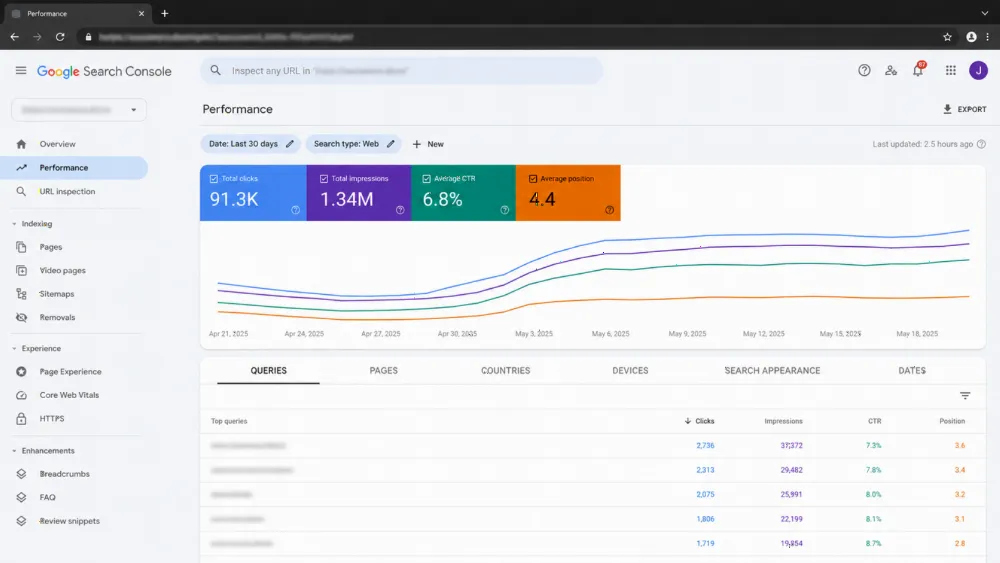
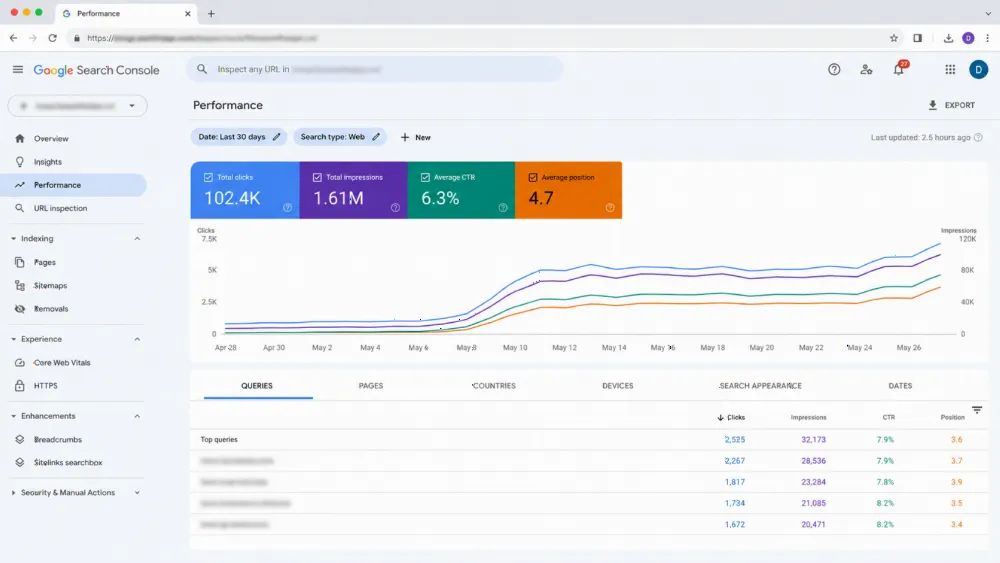
Search is tuned monthly from its analytics. Review four reports. Top queries show what visitors want — check the first results are the items you would choose. Failed and zero-result queries are your fix list: add synonyms, correct catalogue wording, or note unmet demand. Click position reveals relevance problems: if visitors click the sixth result for a popular term, ranking needs adjustment — a pattern Algolia's guidance tells implementers to watch. No-click searches point at weak titles or missing images.
Fix a small batch monthly and re-test the same queries after each change. Route findings back into the catalogue: recurring failed terms are also category names and content topics to write — a loop tied to the build choices behind ecommerce website development in Dubai.
Common mistakes (searching everything; never reading failed queries)
Expensive mistakes are consistent: indexing everything — drafts, internal fields and duplicates; launching without synonyms on a bilingual catalogue; designing the zero-results page as an afterthought; promoting results before textual relevance works; and never opening the failed-query report, so the same visitors fail on the same terms monthly. The mirror-image mistake is buying a dedicated engine for a small catalogue whose problem was category structure.
FAQ
When does a website need dedicated site search instead of navigation?
When three signals coincide: a catalogue in the thousands of items or changing faster than menus can be maintained, visitors already relying on search, and a current search returning irrelevant or zero results for terms you stock. Below that scale, better categories usually fix the problem more cheaply.
What should a site search index include?
The fields visitors search and compare by: titles, brand or provider, category, key attributes such as size, colour or location, product codes like SKUs, price and availability, and for content, headings, topics and summaries. Exclude drafts, internal notes, cost data and duplicates.
Should internal search results pages be indexed by Google?
No. Search-results URLs are unlimited, thin and open to spam abuse. Keep them out of the index with a noindex rule, as Google Search Central's blocking-indexing guidance describes, while keeping the underlying product and content pages fully indexable.
How much does a dedicated search engine like Algolia cost?
It depends on usage. According to Algolia's official pricing page, Build is free, Grow is pay-as-you-go charged per search request and per record, and Premium and Elevate are annual plans with pricing on request. Check the vendor's current pricing page before budgeting.
How do Arabic and English searches work together in one catalogue?
Index fields in both languages, set the engine's language handling for Arabic and English, and maintain a two-way synonym file covering Arabic terms, English catalogue terms and transliterations. Build it from your real successful and failed queries, and test mixed queries — English brand plus Arabic product, and the reverse — before launch.
Search that finds what your menus bury (CTA)
If your catalogue has outgrown browsing — thousands of items, bilingual queries failing, zero-result searches discovered only by accident — the fix is an implementation, not another plugin. WebStackRank's core web development services cover index design, engine selection and relevance tuning in a scoped build; our custom web application development team handles search in larger platforms. Send catalogue size, platform and failing searches via WhatsApp at +971 52 595 3174 or hello@webstackrank.com for an itemised proposal within 24 business hours.