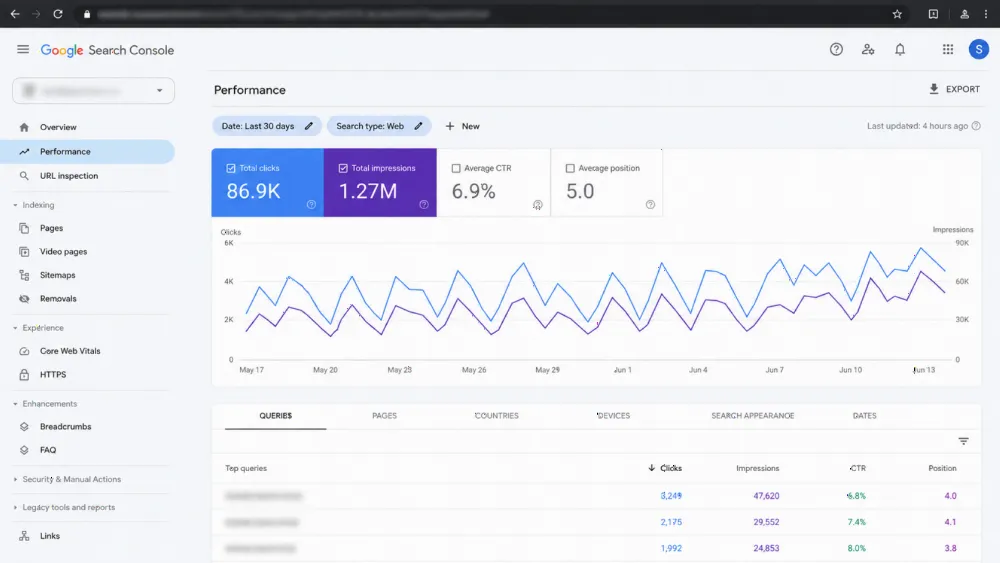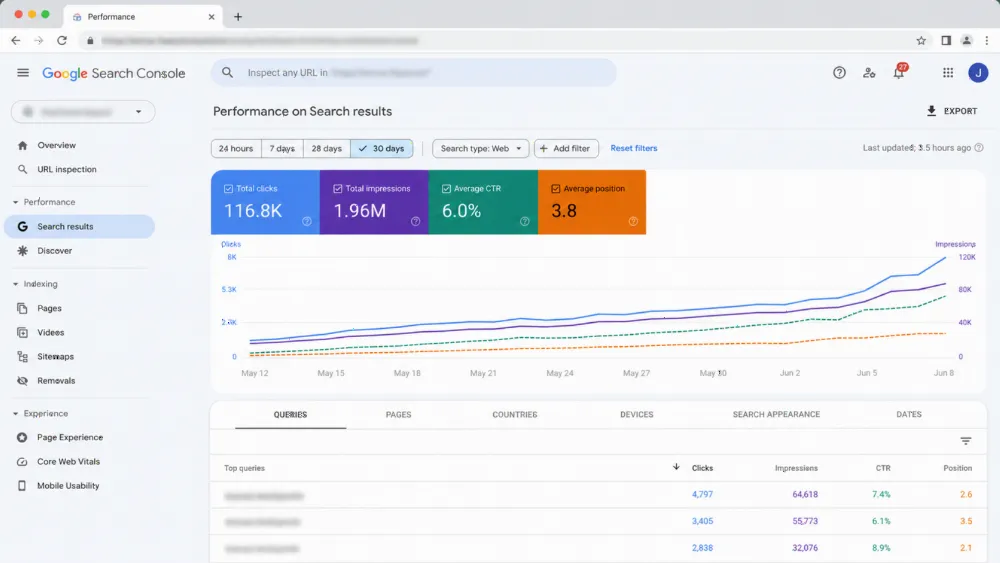
Your website does not need to survive an average day. It needs to survive your best day: the Ramadan evening when your campaign lands, traffic compresses into a few hours, and every visitor arrives ready to buy or book. Prepare in this order — forecast the real peak, load-test until the site proves itself, fix what the tests find, check every integration under load, serve the peak through cache and CDN, then freeze changes and monitor. Sites are rarely beaten by traffic; they are beaten by the one untested bottleneck it finds first.
The short answer: the spike-readiness sequence, in order (checklist)
- Forecast the peak from last year's analytics plus this year's campaign plans.
- Load-test a staging copy at and beyond that forecast, using realistic journeys.
- Fix the bottlenecks the test exposes, then test again.
- Exercise payments, bookings, forms, CRM handoffs and third-party scripts under load.
- Put key pages behind CDN and caching, and pre-warm them before the window.
- Take a verified backup, then start a change freeze.
- Monitor with alerts through the peak, with named people on watch.
- Keep a written degradation order for what switches off first.
- Review afterwards and record capacity notes for next time.

The problem: your campaign works, your traffic concentrates — and the site meets its first real test in public
Average-day testing hides peak-day failure. A page that feels fine for ten visitors can queue, slow and error for ten arriving every second, because each request competes for the same hosting resources, database and integrations. Peaks also concentrate: during Ramadan, browsing and buying shift to the hours after iftar, and campaign launches compress a day of demand into an evening. Planning the demand itself is covered in our guide to peak-season SEO planning in Dubai; this article is about the site surviving what that planning brings.
Step 1 — Forecast your real peak: last year's analytics, campaign plans and the Ramadan evening pattern
Start with your own numbers. In last year's analytics, find the busiest day and busiest hour around the same season, and note the journeys visitors took — which pages, which checkout or enquiry path. Then adjust for this year: a bigger campaign or new offer raises the forecast, and Ramadan's dates shift yearly (the next Ramadan is expected to begin on 8 February 2027, per astronomical forecasts, subject to official confirmation), so last year's dates will not line up exactly.
Forecast the busiest hour, not the busiest day. Capacity fails at the hour level, in the post-iftar window and the final pre-Eid evenings, long after a daily total stops looking unusual.
Step 2 — Load-test before you believe anything: what to simulate and what "passing" means
A load test simulates many visitors at once doing what real visitors do, using a tool such as Grafana k6 or Apache JMeter against a staging copy — never learn these lessons on the live site. Script the journeys that make money: land on the campaign page, search or filter, open product or service pages, complete a test purchase, booking or enquiry. Ramp the load gradually to your forecast peak, then beyond it with deliberate headroom, and hold it there.
Passing means the journeys complete without errors at that load and pages stay responsive under it — the experience described by the Core Web Vitals thresholds Google publishes on web.dev (Largest Contentful Paint at or below 2.5 seconds, Interaction to Next Paint at or below 200 milliseconds, Cumulative Layout Shift at or below 0.1, at the 75th percentile). A test where pages merely "eventually load" while errors climb is a fail with good manners.
Step 3 — Fix the bottlenecks tests actually find: hosting limits, database-driven pages, heavy templates
Tests usually expose one of three bottlenecks. Hosting limits: entry shared plans cap simultaneous processes and memory, so ask your host, in writing, what your plan allows and what a temporary upgrade path looks like. Database-driven pages: search results, filters and account pages that query the database on every visit slow down together; they need caching, indexing or developer fixes, not hope. Heavy templates: oversized images and stacked plugins raise the cost of every request.
Fix, then retest the same scenario. A bottleneck you have not retested is a rumour. If the fixes point to build-level limits, that is development work — see how our web development services in the UAE approach rebuilds before you commission anything.

Step 4 — Check the integrations under load: payments, booking, forms, CRM and third-party scripts
Pages rarely fail alone; integrations fail with them. Run test transactions through the payment gateway at load, submit the booking and enquiry forms, and confirm each lands where it should — inbox, CRM, WhatsApp handoff — because a form that silently drops leads during the peak is worse than a slow page. List every third-party script on key pages (chat widgets, reviews, trackers, embeds) and know which the page can survive without. Ask each critical provider what happens on their side when your volume multiplies for a few evenings — their answer belongs in your plan.
Step 5 — Serve the peak cheaply: CDN and caching as spike measures (and what to pre-warm)
The cheapest request is the one your origin server never handles. As a spike measure, put the site behind a CDN and cache aggressively for the window, so campaign pages and images are served from the network edge instead of your hosting plan. Pre-warm the cache before the peak — visit or script the key URLs once the CDN is live, so the first real visitor is not paying the cost of generating each page.
That is deliberately the short version. How caching works, what it can break and what to ask your developer is a subject of its own, covered in our guide to website caching explained for business owners.
Step 6 — Freeze, staff and monitor: change freeze, alerts, and who watches what during the window
Before the window, take a verified backup and confirm you can restore it — our website backup and disaster recovery plan sets that standard. Then freeze: no theme updates, plugin changes, new features or "quick" experiments during the peak. Most peak outages are self-inflicted changes, not traffic records.
Staff the window like an event. Name who watches uptime and error alerts each evening, who can approve an emergency change, and how customers reach you if the site struggles. Set alerts on downtime, error rates and checkout or form failures specifically — traffic-only monitoring will happily show a record night while enquiries fail. A pre-peak technical SEO audit can also catch crawl and template problems while there is still time.
When it still strains: the graceful-degradation order (what to switch off first, what never goes down)
Write the order down before you need it. Switch off first: decorative extras — background video, heavy sliders, live social feeds and non-essential personalisation. Next: disable nice-to-have third-party widgets, starting with anything that blocks the page while it loads. Then simplify: serve a lighter campaign page, reduce image weight, and queue non-urgent emails until after the peak.
Never goes down: product and service information, prices, the checkout or booking path, enquiry forms and contact routes. Degradation should make the site plainer, never closed. Decide the order calmly beforehand; at midnight during Eid week, nobody improvises well.

After the peak: the review that makes next Ramadan boring
Within a week, record what actually happened: the real busiest hour, where it strained, which alerts fired, what you switched off and what it cost. File the real peak beside your forecast, with the load-test results and any temporary hosting changes (and when to reverse them). Next season's forecast then starts from evidence, and each year the peak gets duller — which is the point. The same fixes also support the SEO-friendly development your rankings rely on all year.
Common mistakes
Testing on the live site, or not testing at all, is the first mistake. The second is forecasting from daily totals and missing the busiest hour. The third is load-testing pages but never the payment, booking or form journeys that make the money. The fourth is launching changes during the window — a plugin update on the first evening of Ramadan has ended more campaigns than traffic has. The last is skipping the review, so the same bottleneck gets rediscovered next year.
FAQ
How far in advance should I start preparing my website for Ramadan traffic?
Start six to eight weeks before Ramadan begins: forecast and load-test first, because fixes, hosting changes and retests all take calendar time. Inside the final two weeks you should be down to pre-warming, backups and the change freeze — not discovering bottlenecks.
What should a load test simulate, and what counts as passing?
Simulate realistic journeys — campaign page, search or filter, product or service pages, and a completed test purchase, booking or enquiry — ramped to your forecast peak and beyond it. Passing means those journeys complete without errors at that load while pages stay responsive, not that pages eventually load.
Do I need to change my hosting plan for a traffic spike?
Not always. Load-test first: if the plan's limits are the bottleneck, ask your host in writing about a temporary upgrade for the window and what it reverts to afterwards. Change plans based on test evidence and your busiest-hour forecast, never on a sales page's promises.
What should I switch off first if the site starts struggling during a peak?
Switch off decorative extras first — background video, heavy sliders, social feeds — then non-essential third-party widgets, then simplify the campaign page itself. Never switch off product information, prices, checkout or booking, enquiry forms or contact routes.
What is a change freeze, and when should it start?
A change freeze means no updates, new features or experiments on the live site during the peak window — most peak outages are self-inflicted changes, not traffic. Start it once preparation is complete, typically just before the window opens, and lift it only after the post-peak review.
Have your peak load tested before the campaign spends (CTA)
If your busiest evenings of the year are approaching and the site has only ever been tested on a quiet Tuesday, get the test done before the campaign budget lands. WebStackRank's core web development services cover load testing, bottleneck fixes and peak preparation, and our website development company in Dubai team can scope the work properly. Message us on WhatsApp at +971 52 595 3174 with your peak dates — you will receive an itemised proposal within 24 business hours.