If enquiries have slowed while your website still looks fine, do not start by pricing a redesign. Start by checking nine failure points — speed, mobile friction, search visibility, calls to action, the WhatsApp and phone path, form friction, stale content, trust gaps, and whether your team can update the site. Every sign below has a check you can run in minutes, so your decision rests on measurements, not on how the site feels.
The short answer: the nine signs and their checks, in one table
| # | Sign | The check | Fail looks like |
|---|---|---|---|
| 1 | Pages load too slowly | PageSpeed Insights, homepage and top service page | LCP above 2.5s, INP above 200ms or CLS above 0.1 |
| 2 | Mobile visitors struggle | Complete an enquiry on your own phone | Pinching, tiny tap targets, an abandoned form |
| 3 | Google cannot find or show you | Search Console Performance and Pages reports | Falling impressions, pages not indexed |
| 4 | No clear next step | The 10-second test with someone new | They cannot say what to do next in 10 seconds |
| 5 | The WhatsApp/phone path is buried or broken | Tap every call and WhatsApp button on mobile | Buttons missing or wrong number |
| 6 | The form creates friction | Send a test submission and time it | Too many fields, errors, no message arrives |
| 7 | Services and prices are stale | Page-by-page audit against what you sell today | Retired services, old prices, missing offers |
| 8 | Trust gaps at the decision point | Read your service pages as a stranger | No licence detail, no proof |
| 9 | Your team cannot update the site | Ask a staff member to make a small edit | Nobody can, or everyone fears trying |
Work through the table first.
The problem: a site that looks fine and quietly leaks enquiries
Owners judge their website on a desktop, on office Wi-Fi, already knowing where everything is. Visitors judge it on a phone, on mobile data, knowing nothing. That gap is why a site can look acceptable in the office and still lose enquiries daily — each leak checkable in minutes.
The risk runs both ways: ignore the leaks and you pay for traffic that cannot convert; overreact and you buy a cosmetic redesign that leaves every leak open. Diagnosis comes first.

Signs 1–3 — Speed, mobile friction and search invisibility (checks: PageSpeed, your own phone, Search Console)
Sign 1: your pages are slow where it counts. Run PageSpeed Insights on your homepage and busiest service page, and compare the results with Google's published Core Web Vitals thresholds: Largest Contentful Paint at or below 2.5 seconds, Interaction to Next Paint at or below 200 milliseconds, and Cumulative Layout Shift at or below 0.1. Missing them on mobile is a fail you can see in numbers.
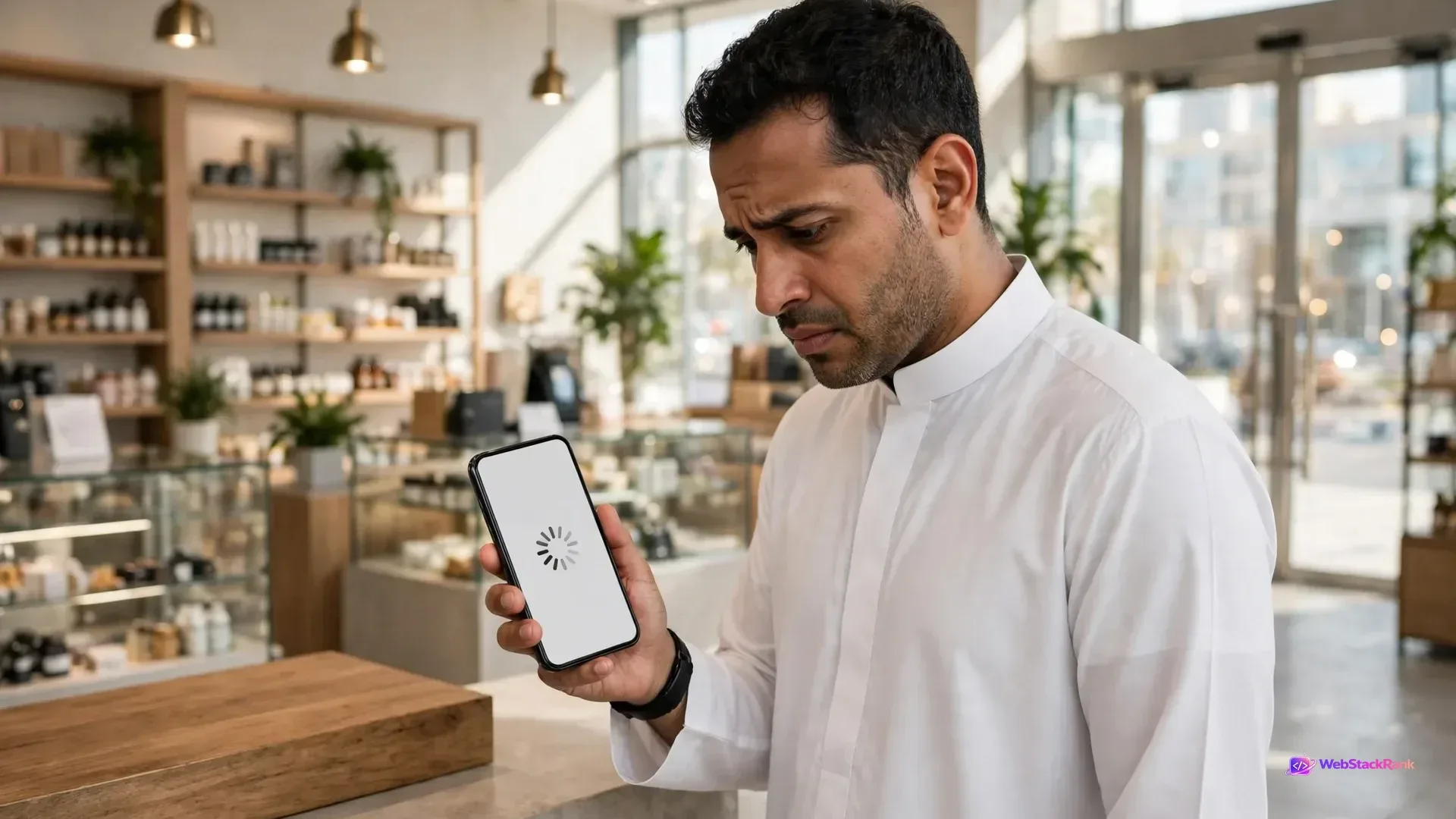
Sign 2: the mobile experience fights the visitor. Most UAE enquiries start on a phone, so test as a phone visitor: open your site on mobile data, not office Wi-Fi, and complete the enquiry journey. Text you must pinch to read, tiny tap targets, menus that hide the services, and forms that fight the keyboard are all fails.
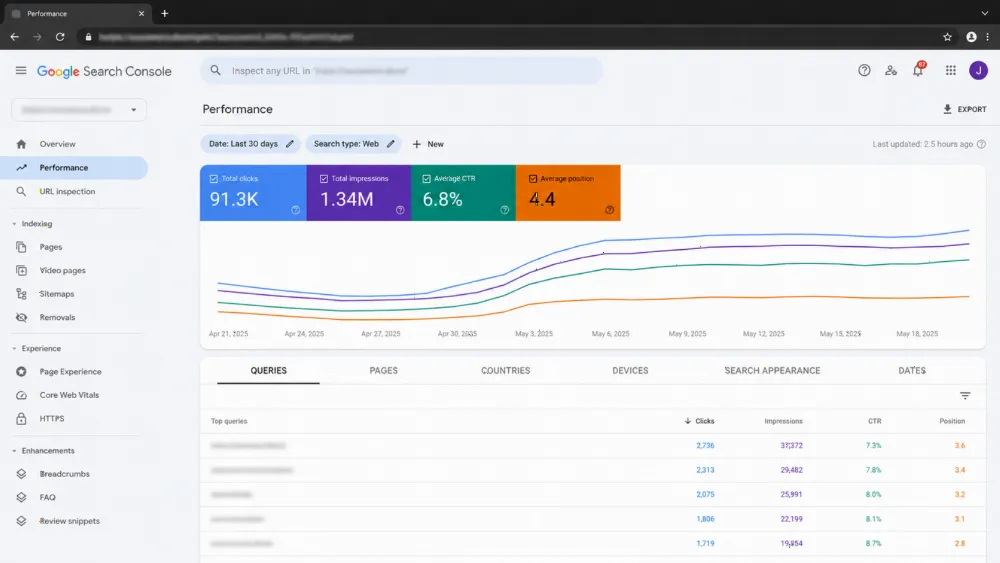
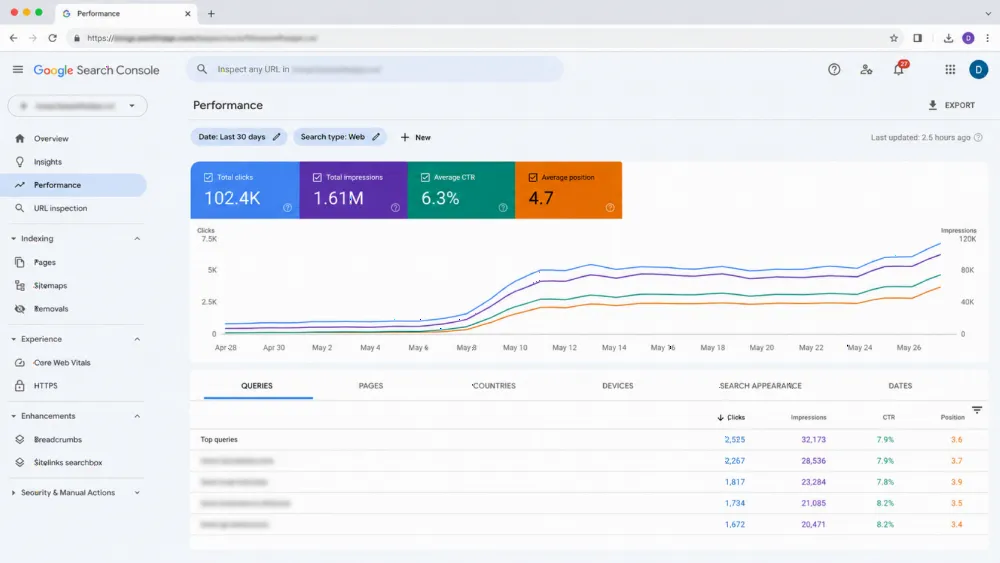
Sign 3: you are invisible in search. In Google Search Console, compare impressions and clicks in the Performance report with the previous period, then check in the Pages report that your key service pages are indexed. Missing pages or declines on the services that pay mean enquiries lost before a visitor arrives.
Signs 4–6 — No clear path to enquire: CTA placement, the WhatsApp/phone path, form friction (checks: the 10-second test, a test submission)
Sign 4: visitors cannot see the next step. Use the 10-second test: hand your phone, showing a service page, to someone who does not know the business. If they cannot tell you within 10 seconds what you offer and what to do next, the page has no clear call to action. Repeat on your main service pages.
Sign 5: the WhatsApp and phone path is buried or broken. In the UAE, WhatsApp is often the enquiry channel of choice: treat it as critical infrastructure. Tap every WhatsApp button and click-to-call link: does the chat open, on the right number? Is the button visible on every service page, or only on the contact page? A wrong number or dead link is the simplest enquiry leak.
Sign 6: the form itself creates friction. Send a real test submission and time the journey. Count the fields: every field beyond name, contact detail and a message needs a reason to exist. Note errors, and whether the submission arrives where it should. A long or silently broken form loses motivated visitors.

Signs 7–9 — Stale services and prices, trust gaps, and a site your team cannot update (checks: page-by-page audit, admin test)
Sign 7: the site sells what you no longer sell. Audit page by page against your business today: retired services, changed prices, old locations, departed team members. Each stale page makes a ready visitor pause. Arabic and English versions disagreeing are a common UAE variant.
Sign 8: trust gaps appear exactly where visitors decide. Read your main service pages as a stranger: is there a trade licence detail, real proof of work, location information, and contact details matching your Google listing? You need only the verifiable basics at the point of decision — not invented statistics or borrowed testimonials.
Sign 9: your own team cannot update the site. Ask a staff member to make a small edit — change a price, add a service line — and watch. If nobody knows how, or everyone fears breaking it, the site is a frozen asset, and content will keep going stale (back to Sign 7).
The hidden tenth check: is your tracking lying to you? (GA4 and form-receipt test)
Before trusting any conclusion, check the measuring instruments: a fall in recorded enquiries sometimes means tracking broke. Submit your test form (Sign 6) and confirm the enquiry appears in the inbox, the CRM, and the GA4 events you watch.
If it arrives but never appears in GA4, your reports understate enquiries and any decision based on them is unsafe. If GA4 records it but the inbox never receives it, the leak is in delivery, not demand. Fix tracking first, re-measure, then score the signs again.
Scoring your results: fix, refresh or redesign? (decision table)
| Your results | Likely answer | Why |
|---|---|---|
| One or two signs fail, the rest pass | Fix | Targeted repairs solve isolated leaks |
| Signs 4, 7 or 8 dominate; structure is sound | Refresh | Content and calls to action need updating on healthy foundations |
| Signs 2, 3 or 9 fail, or five or more signs fail | Redesign | Mobile structure, visibility or an unusable CMS are design-level problems |
| Tracking check failed | Measure first | No scope decision is safe until your numbers are trustworthy |
If the diagnosis points to a redesign, work through the scope choice in website refresh vs redesign vs rebuild, then protect rankings with our website redesign SEO migration checklist and redesign without losing rankings migration checklist. Budget context: how much a website costs; a fixed-price web design structure makes quotes comparable.

What to do this week, in order, before collecting any quotes
One: run the nine checks and the tracking test, and write the results down. Two: fix the free leaks the same day: wrong numbers, dead buttons, a form that does not deliver. Three: score the results against the decision table. Only then, four: collect quotes — each against the same diagnosed scope, so prices compare the same job.
Common mistakes (redesigning for looks; fixing the sign, not the cause)
The most common mistake is redesigning for looks: choosing a dramatic design while the slow templates, buried WhatsApp path and broken tracking carry into the new site untouched. The second is fixing the sign, not the cause — speeding up one page instead of the template. Owners test only on desktop, trust unverified GA4 numbers, and collect quotes before diagnosing, so each agency prices a different job.
FAQ
How do I check whether my website is too slow?
Run PageSpeed Insights on your homepage and top service pages and compare the results with Google's published Core Web Vitals thresholds: LCP at or below 2.5 seconds, INP at or below 200 milliseconds and CLS at or below 0.1. Failing them on mobile is a measurable problem, not a matter of taste.
My website looks modern. Can it still be costing me enquiries?
Yes. Looks are judged on a desktop by someone who knows the business; enquiries are lost on phones, in search results, in forms and in tracking — none of which show in how the homepage looks. Run the checks rather than judging the design.
What is the 10-second test for a call to action?
Hand your phone, showing a key page, to someone who does not know your business. If they cannot say within 10 seconds what you offer and what they should do next, the page has no clear call to action, and visitors leave without acting.
Should I redesign, refresh or just fix the problems?
Match the scope to the diagnosis: one or two failing signs usually need targeted fixes; stale content and weak calls to action on sound foundations point to a refresh; mobile-structure failure, search invisibility or an unusable CMS point to a redesign. Fix broken tracking before deciding anything.
How can I tell if my enquiry tracking is broken?
Send a real test submission and tap your call and WhatsApp buttons, then check the enquiry arrives in your inbox or CRM and appears in GA4. If it arrives but GA4 never records it, your reports understate enquiries. If GA4 records it but the inbox never receives it, the leak is in delivery.
Get a second pair of eyes on your diagnosis (CTA)
Run the nine checks first — they are free, and most owners find at least two leaks in the first hour. If your results point to a redesign, or you want the diagnosis checked before spending anything, talk to our web design team in Dubai. Bring your results: we will confirm or challenge them in plain language and, if work is needed, provide an itemised proposal within 24 business hours.